

Working with AI Assistants
Assistants are only available in the “Advanced” plan.
In addition to instant search, customers subscribed to our Advanced plan can create Assistants and assign them to one or more widgets. An Assistant can be trained on multiple data sources and needs to be re-trained when new data is added. Our Assistants solely use OpenAI; we currently don’t offer support for other AI providers.
Creating an Assistant
To create an Assistant, click the “Assistants” item in the main navigation. Then click the “Create Assistant” button.

Wait for the initialization process to finish (should take less than 10 seconds). You can now edit the Assistant and change its name, instructions, model and temperature.
We initially set basic instructions, which you can change or extend.
Available models
Right now, we only support OpenAI models. We may add support for other providers in the future. The available models are:
GPT-5.1
GPT-5 mini
GPT-5 nano
GPT-4.1
GPT-4.1 mini
GPT-4.1 nano
GPT-4o
GPT-4o mini
Attaching data sources
While editing the Assistant, you are able to attach one or more data sources to it. After adding a new data source, the Assistant needs to be retrained. You can retrain the Assistant with multiple files at once.
Before you’re able to attach data sources, you will need to create at least one Assistant-capable data source.
Adding to a widget
To enable the Assistant in a widget, edit any of your widgets and find the “Resources” section. Toggle Enable “Ask AI” and select one of your Assistants.
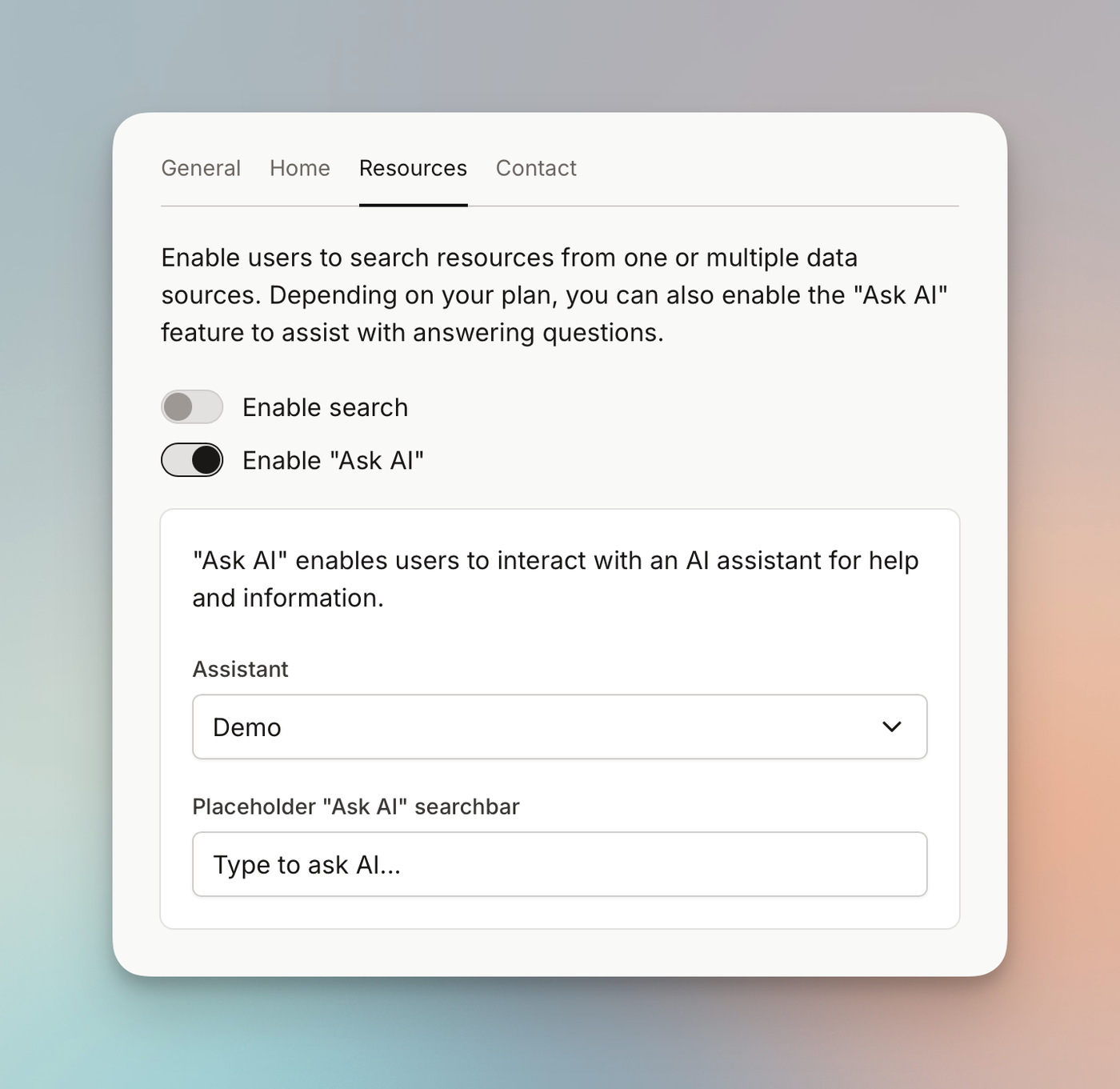
You are free to use both “Instant search” and “Ask AI” in a widget.